114 articles
Digital dentistry, guided surgery and implants — by Dr. Welson Pimentel
Dental Software
Exocad, Exoplan, Blender for Dental, Nemoscan, Medit.
Digital Dentistry Courses: How to Choose the Right Training

Choosing a digital dentistry course means evaluating more than the software being taught. Learn how to compare curricula, supervised practice, facilities, and clinical applications.
9 min readSurgical Guide Design in Blender: The Complete Workflow
Learn how to organize surgical guide design in Blender, integrate implant treatment planning, and prepare the file for fabrication. Review critical considerations for fit, sleeves, and validation.
9 min readDental Implant Planning Software Comparison
The best dental implant planning software supports your clinical, restorative, and production workflows. Compare platforms and explore the criteria that matter most before choosing.
9 min readNemoscan: Features for Implant Planning and Surgical Guides
Nemoscan supports three-dimensional assessment and virtual implant planning. Explore its role in guided surgery, the records required, and the precautions that make digital workflows more reliable.
9 min readExoplan Made Simple: Step-by-Step Implant Planning
An Exoplan tutorial starts with scan quality and ends with clinical validation of the plan. Explore the steps for integrating anatomy, restorative goals, and guided implant surgery.
9 min readMedit Link: How to Organize Scans and Communicate With Your Dental Lab
Medit Link helps centralize cases, scans, and dental lab communication. Learn how to build an organized digital workflow, from patient identification to file submission.
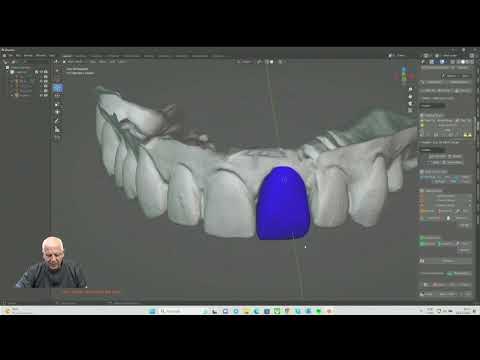
9 min readBlender for Dental: What’s Free and How It Fits into the Digital Workflow
Blender is free, but Blender for Dental tools have their own licensing. Understand the difference and how this solution can support digital planning and manufacturing in dentistry.
9 min readImplant Libraries in Exocad: How to Install and Keep Them Updated
Installing an implant library in Exocad requires checking its source, compatibility, and intended restorative use. Learn how to organize files, validate components, and update libraries without compromising previous projects.
9 min readExocad for Beginners: Getting Started with Dental Restoration Design
Getting started with Exocad means understanding the clinical and laboratory workflow, not just the commands. Learn how to organize a case and design your first crown with fit, anatomy, and manufacturing in mind.
9 min readDental care in Botafogo · Rio de Janeiro
Your smile deserves personalized care
Talk to Dr. Welson Pimentel about implants, prosthetics and oral health. An assessment is the first step toward understanding the right care for you.
- ✓ Dental implants
- ✓ Dental prosthetics
- ✓ Oral health
Videos on YouTube


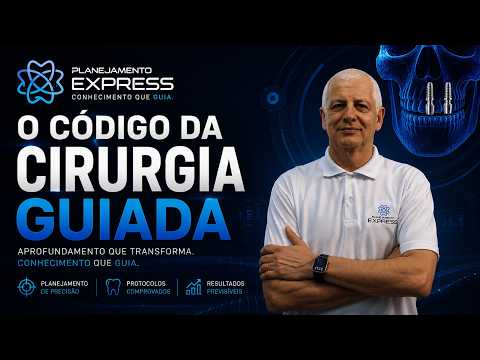


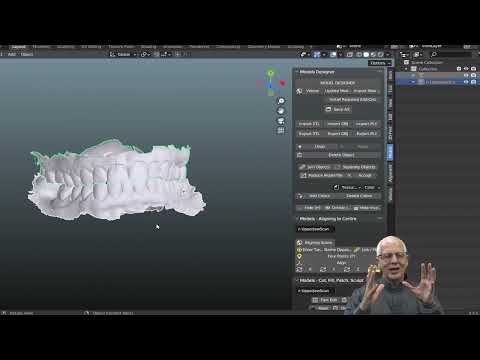

O Código da Cirurgia Guiada · Parte 1


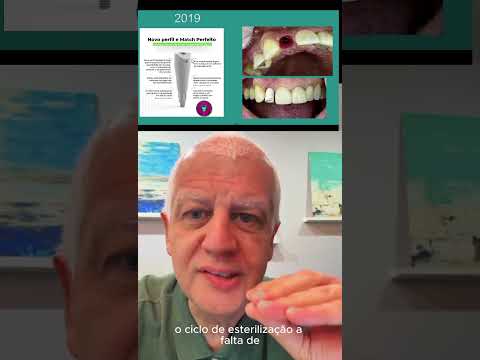




Como desenhar Ti-Base angulado no Exocad